

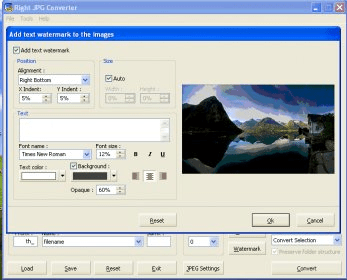
Right JPG Converter is a wonderful and handy image editing software and converter that allows you to edit and convert various image formats to JPG in a snap. Within the same window, you can find basic editing tools such as resizing, cropping, rotating, stretching, scaling, among others. In addition to this, it also has the ability to add colored and 3D borders, transparency, as well as image and text watermarks on images. You can also adjust hue, saturation and lightness viewing the changes made on its built-in previewer. Thanks to the amazing batch conversion mode, you can convert multiple files at a time, thus saving tremendous valuable time. It also enables you to save special configuration files to save settings for future use. The user interface is really straightforward and intuitive, offering its main options on a single pane. The application can be integrated to the Windows Shell and to the command line, so that users can run it from other applications to process images and documents.
It supports Windows 9x/2000/2003/NT/ME/XP.


You can convert XPS files to image formats such as TIF, TIFF, JPG, GIF, PNG.











Comments